Photo galleries
Deliver photos in a gallery that feels like your studio. Pick a cover and theme, organize photos into sections, and let clients save favorites or download their photos.
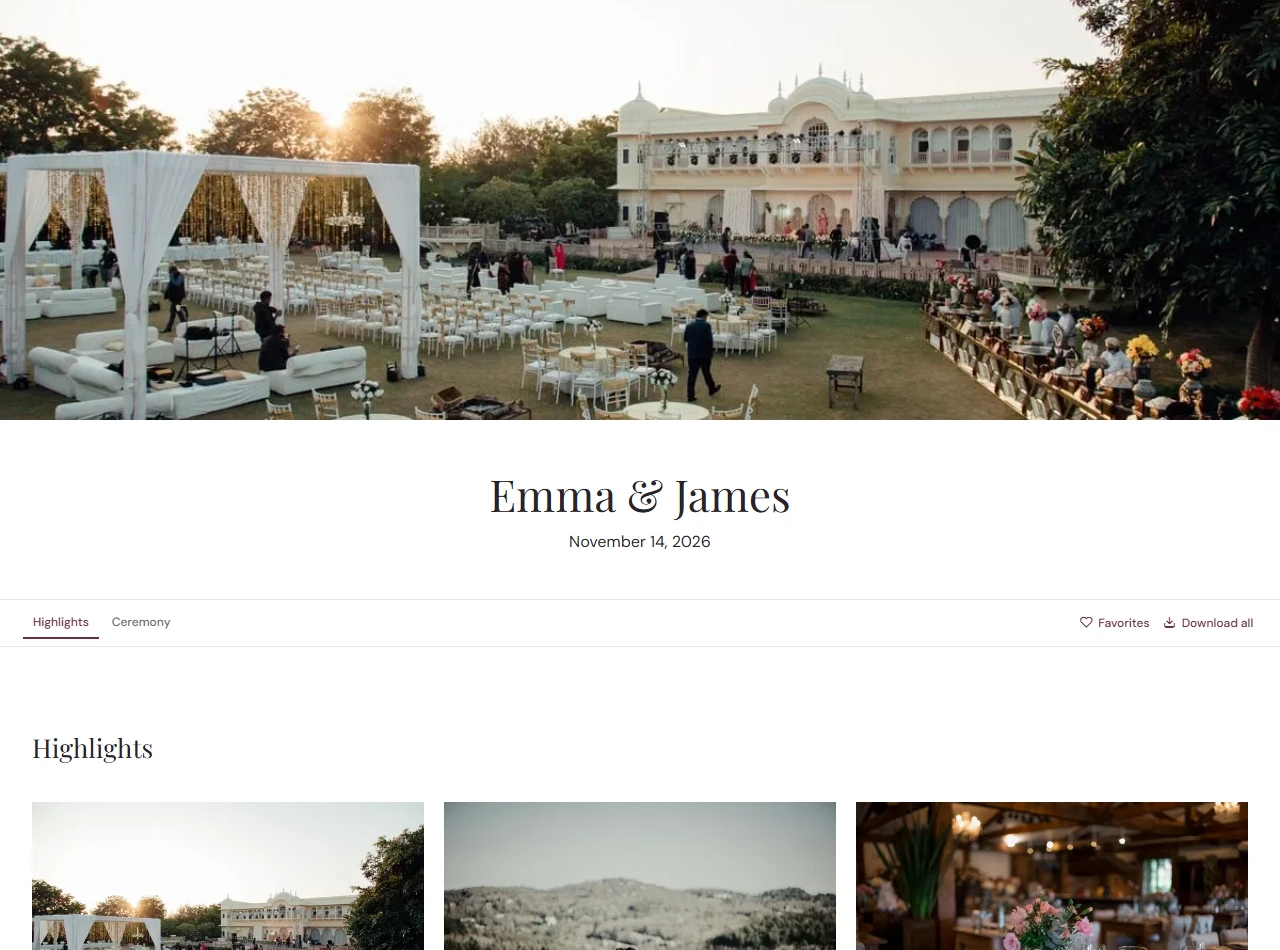
Client management & photo galleries
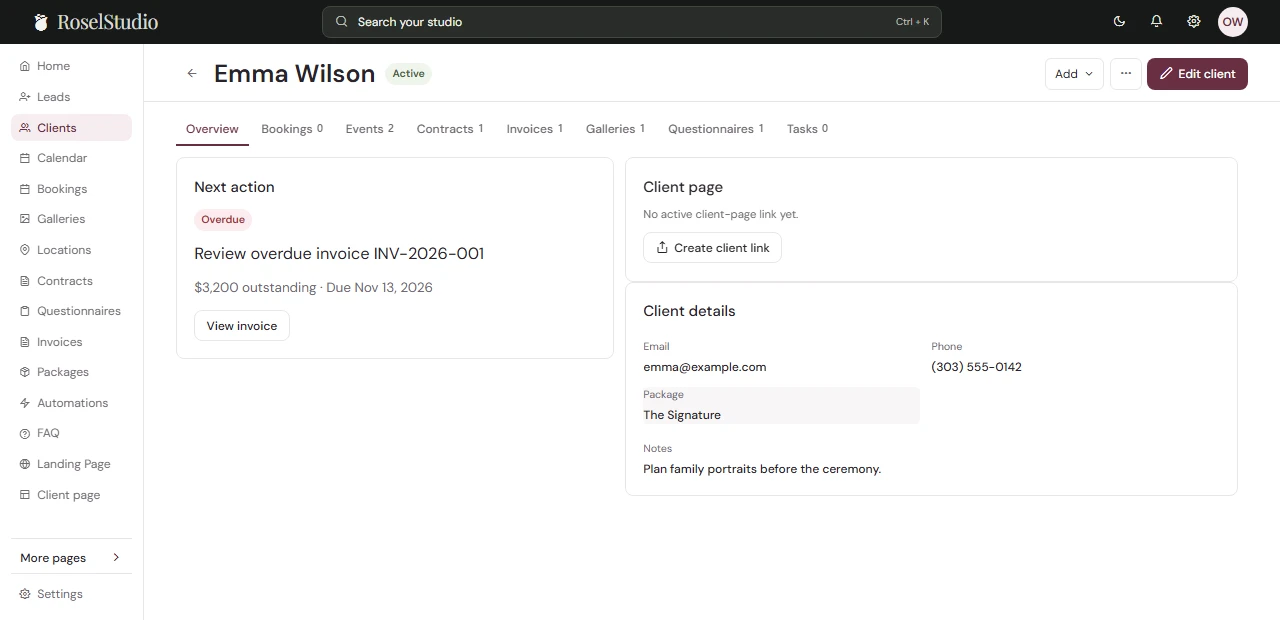
From the first inquiry to the final gallery, bring your bookings, clients, contracts, invoices, and sessions together in one simple workspace. Compare plans to find the right amount of gallery storage.
Deliver photos in a gallery that feels like your studio. Pick a cover and theme, organize photos into sections, and let clients save favorites or download their photos.
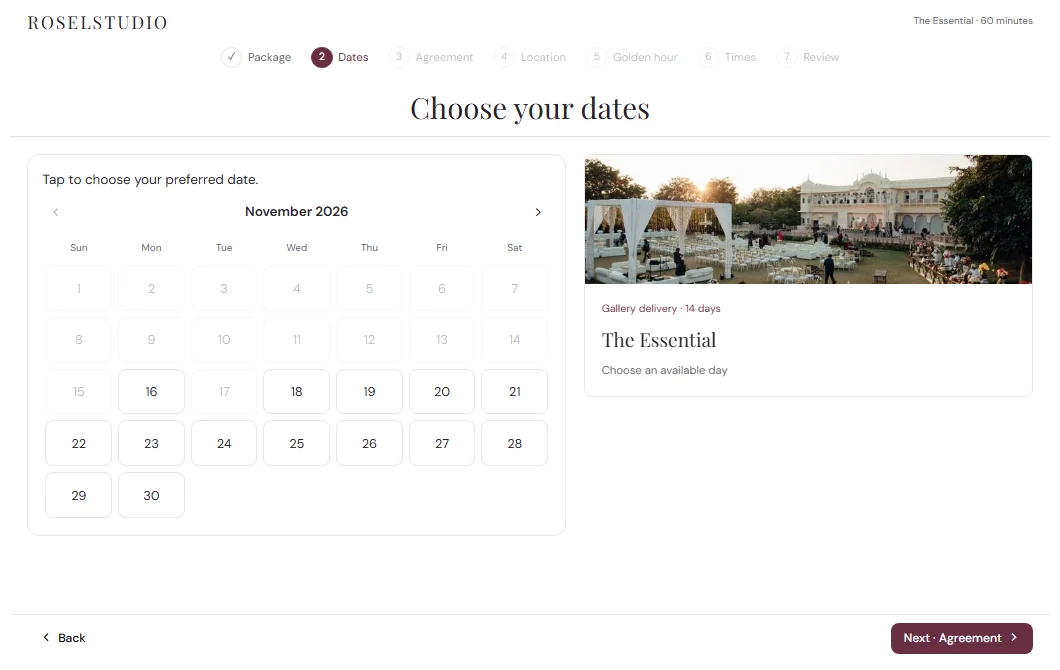
Give clients a link where they can choose a collection and request a session. Review each request before confirming it.
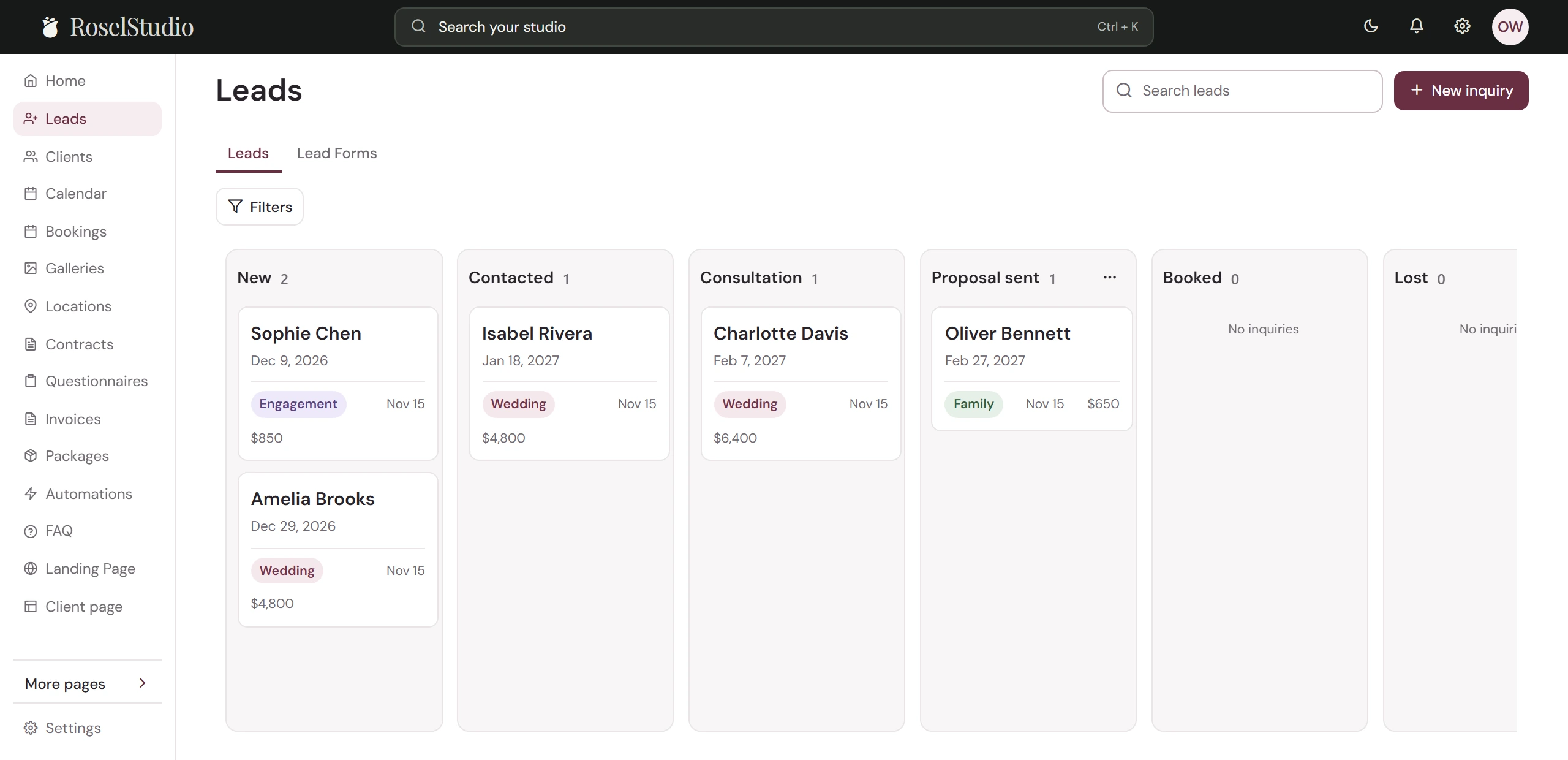
Capture inquiries with a form and see which leads need a follow-up on your pipeline board.
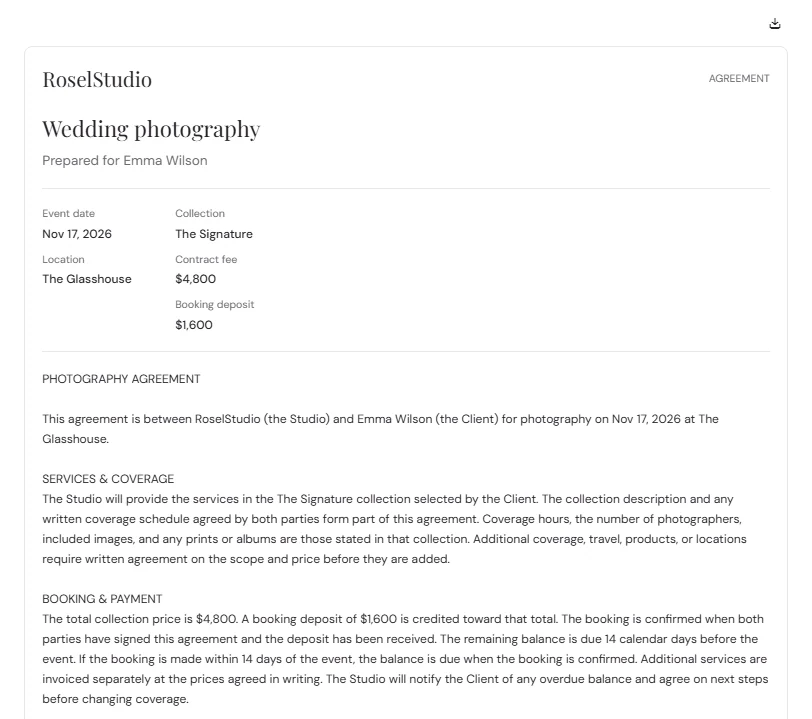
Start from a reusable agreement, share it for a signature, and see which contracts are ready, opened, or signed.
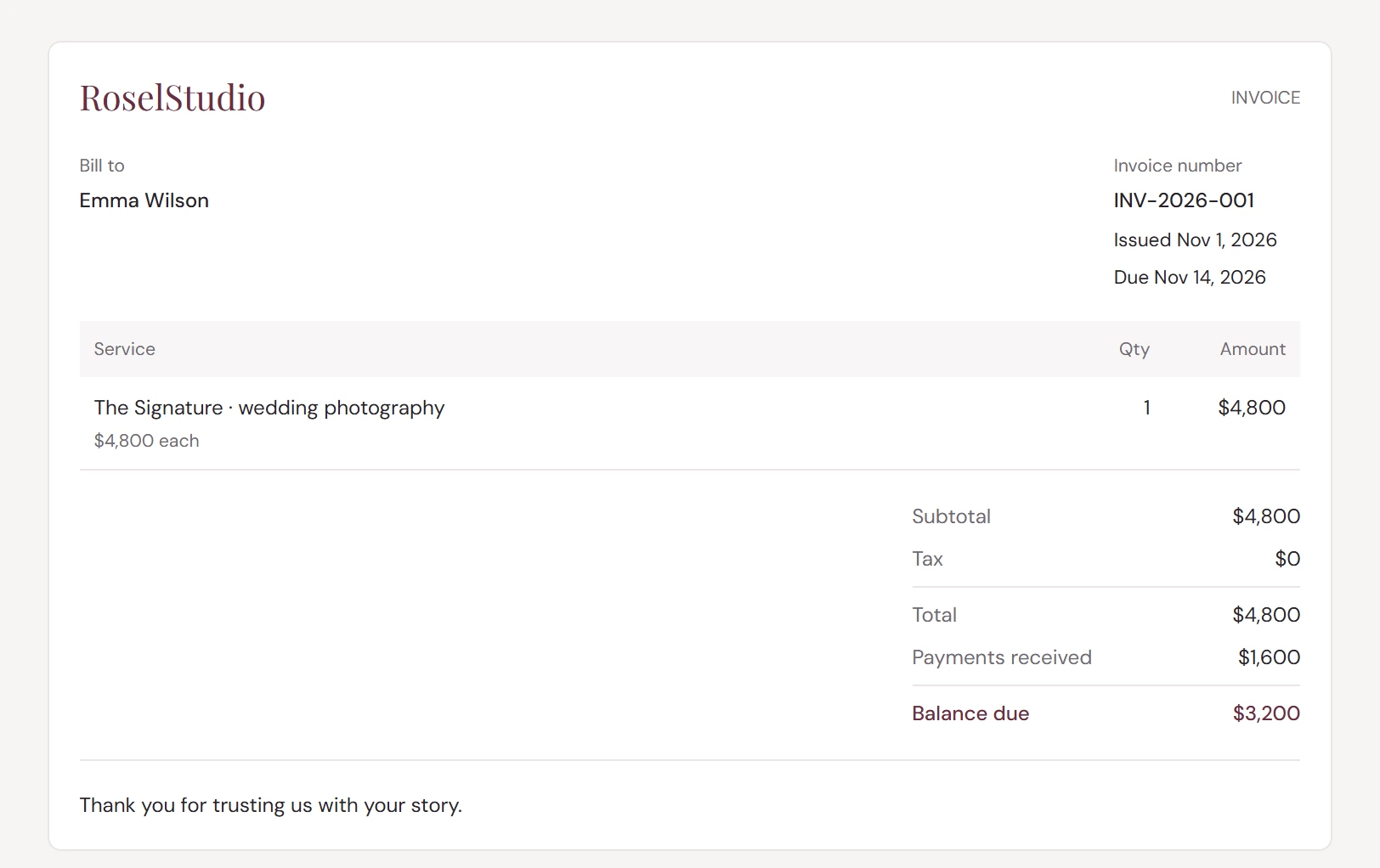
Create invoices and track outstanding balances. Connect Stripe so clients can pay online.
See how an inquiry follow-up waits a day, checks whether the lead has booked, and previews a follow-up email and review task.
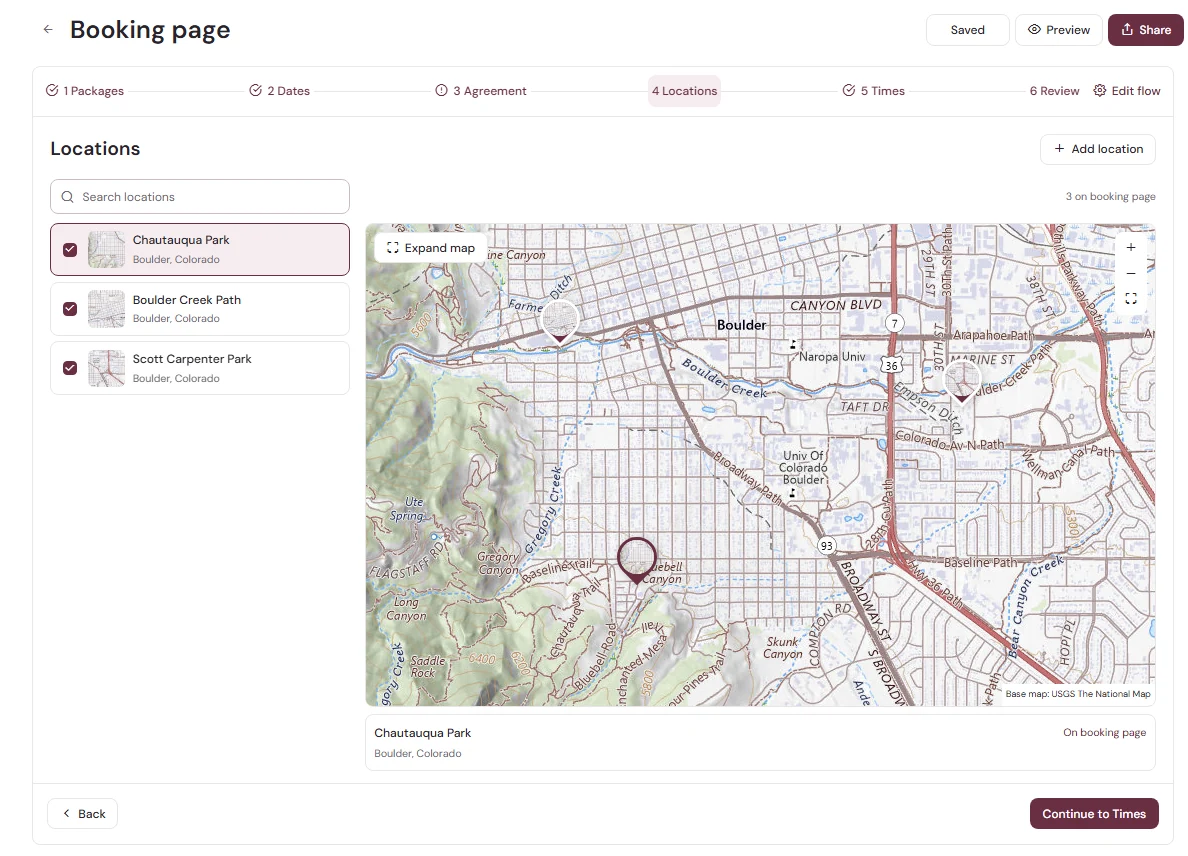
Save your favorite shoot spots and compare pins as you choose which locations to offer in your booking form.
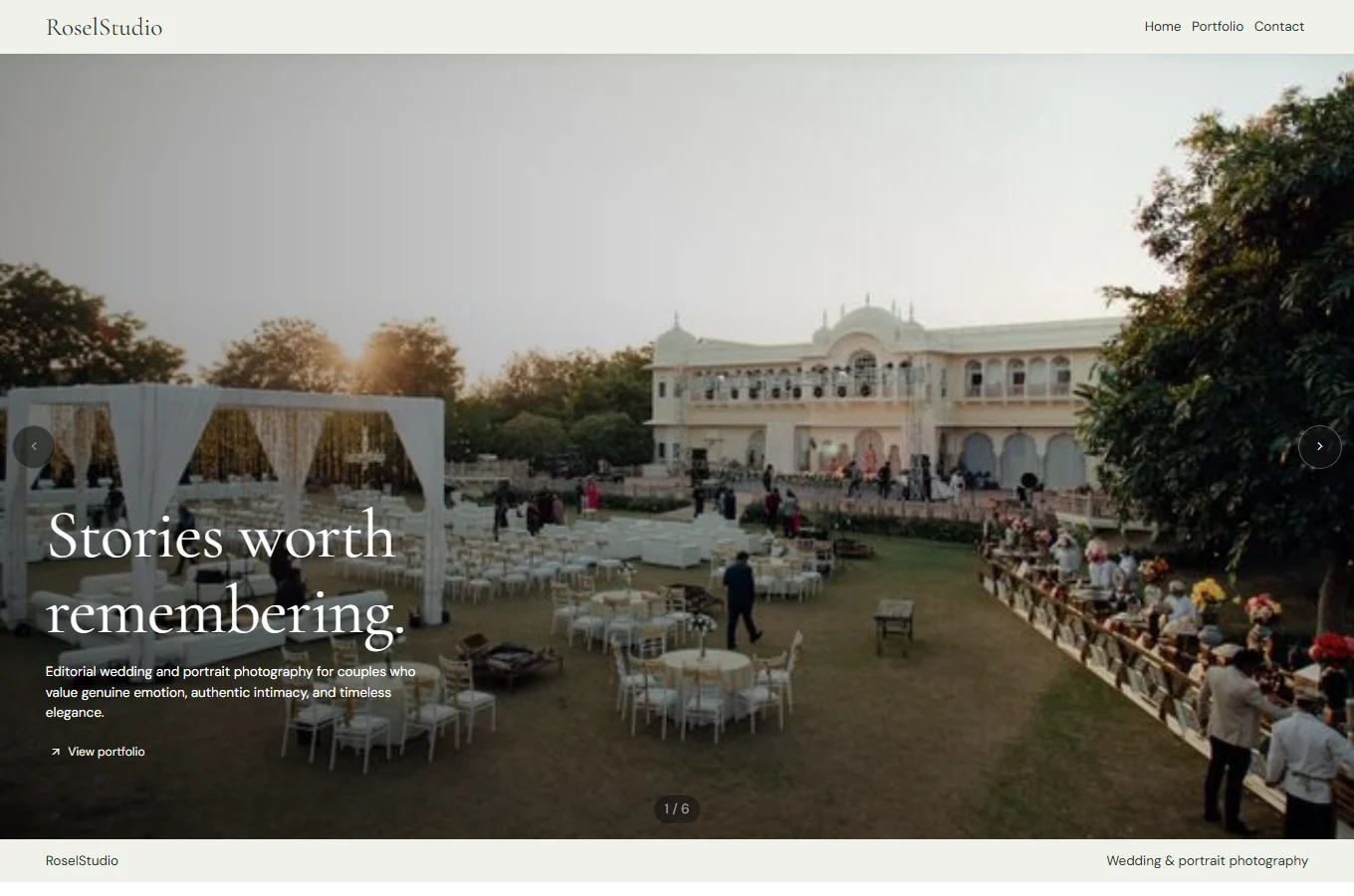
Publish a page with your logo, portfolio, packages, and inquiry form so prospective clients can see your work and reach out.
Every plan includes all these tools. See plans and storage options.
Capture an inquiry, follow up, and bring the client's details into your studio.
Prepare a contract from a template, share it for a signature, create an invoice, and keep the session on your calendar.
Create a gallery, make it your own, and share the link when the photographs are ready. See how much gallery storage each plan includes.
Choose the gallery storage your studio needs. Every plan includes all studio features.
First month free for new subscribers. Card required. Cancel anytime from billing.
Start free monthEvery plan includes
Prices are in US dollars.
Track inquiries, review booking requests, schedule sessions, and keep client records, contracts, invoices, questionnaires, and galleries together. You can also create workflows to automate routine tasks.
Yes. Upload it under Settings → Studio → Studio details. Your logo appears on shared inquiry forms, booking request pages, and your studio landing page. It also appears on shared galleries when Show company name is on.
No. Clients can open an active gallery link without an account. If you password-protect the gallery, they enter the password to view it.
Yes. Set a cover photo, choose a theme and title font, and organize photos into sections. Use Client preview to see what clients will see, and choose whether to allow downloads in Gallery settings.
Yes. Save your agreement as a contract template. Each client gets a separate contract you can edit before sharing it for signature.
Plans are billed monthly. Compare the 10 GB, 100 GB, and 1 TB plans. The 100 GB plan includes one free month for first-time subscribers, then renews at $15 per month. A card is required. You can cancel in billing.